
Smartphones have become an important part of everyday life. We use them to communicate with family and friends, find places, check email, watch videos, order food, shop online, send money, book rides, store documents, and manage work.
With thousands of applications available on Android and iPhone, choosing the right ones can be difficult. Some apps are designed for entertainment, while others solve practical problems that people face almost every day.
This guide covers some of the most useful daily use apps in 2026. The list includes communication, navigation, email, shopping, payments, transportation, food delivery, entertainment, cloud storage, and productivity apps.
The goal is not to recommend every popular application. Instead, these are apps that can have a practical role in everyday routines.
What Are Daily Use Apps?
Daily use apps are mobile applications that help people perform common tasks during their normal routine.
For example, you might open a messaging app when you wake up, check email during work or study, use a maps application while travelling, make a digital payment while shopping, order food in the evening, and watch videos before going to bed.
Some people may use the same application several times a day, while others may only open it when they need a particular service.
The most useful apps are usually those that solve a specific problem quickly and conveniently.
Current digital usage data shows how deeply mobile applications have become part of everyday online activity. DataReportal’s 2026 global report found that social networks and messaging services remain central to online activity, while WhatsApp has particularly high daily opening frequency among Android users.
1. WhatsApp – Everyday Messaging and Communication
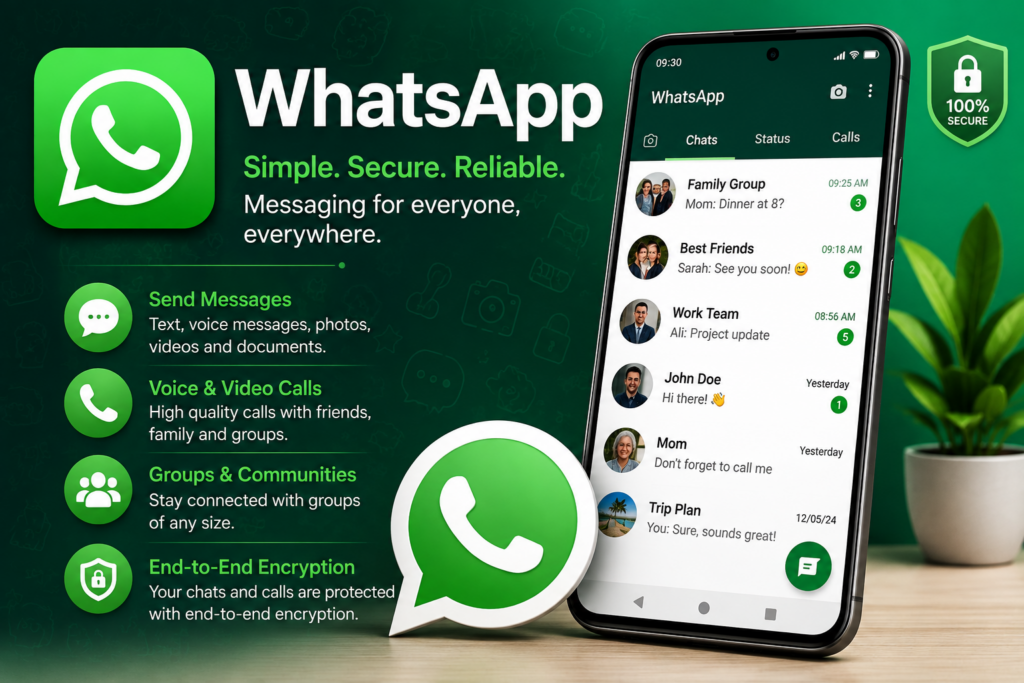
WhatsApp is one of the most practical daily use apps for communication.
People use it to send text messages, voice messages, photos, videos, documents, contacts, and other files. It also supports voice and video calls, making it useful for both personal and professional communication.
WhatsApp can be especially convenient when family members, friends, classmates, or coworkers are already using the platform.
Common WhatsApp uses
You can use WhatsApp for:
- Personal conversations
- Family groups
- School and university groups
- Business communication
- Voice calls
- Video calls
- Sending documents
- Sharing photos and videos
- Location sharing
- Community communication
WhatsApp is also highly relevant in Pakistan. Current Pakistan communication-app rankings place WhatsApp among the leading communication applications.
For many people, it is one of the first applications they check every morning.
2. Google Maps – Navigation and Finding Places
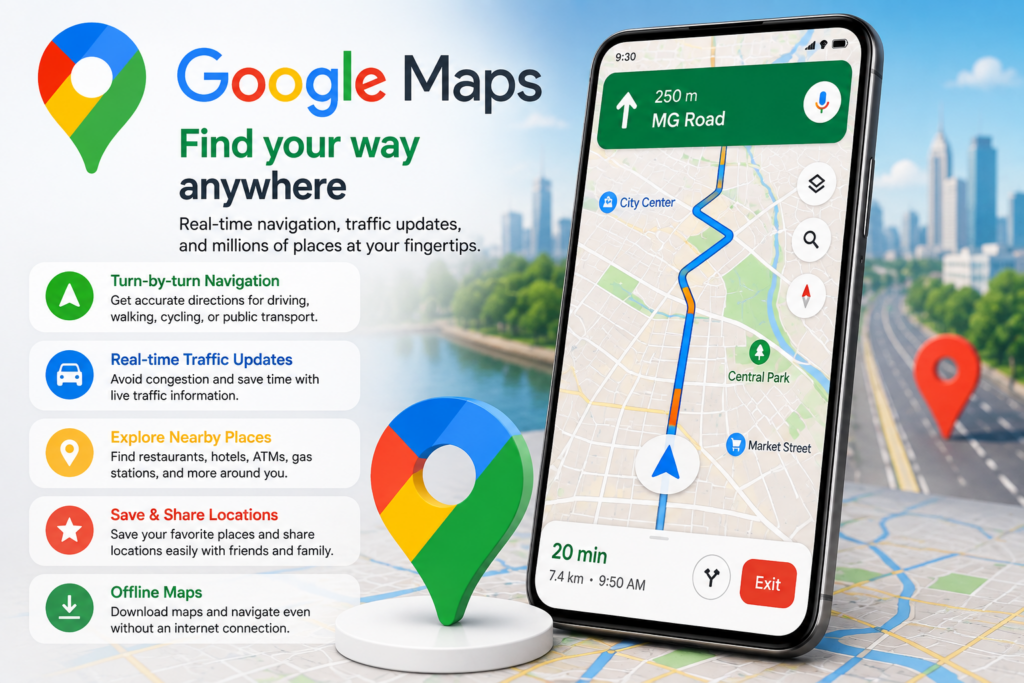
Getting from one place to another is a common part of daily life, which makes Google Maps one of the most useful daily use apps.
Google Maps can help users find addresses, businesses, restaurants, hospitals, schools, offices, petrol stations, shopping areas, and other locations.
It can also provide navigation and route information.
Why Google Maps is useful
You can use it to:
- Find an unfamiliar address
- Get driving directions
- Search for nearby businesses
- Check locations
- Plan journeys
- Find restaurants
- Explore areas before travelling
- Share your location
Google Maps is also appearing strongly in current Pakistan app rankings, demonstrating continued demand for navigation and location services.
Before starting an important journey, it is still sensible to check the route and traffic conditions because travel information can change.
3. Gmail – Email for Work, Study and Personal Use
Email remains important even though messaging apps are extremely popular.
Gmail is one of the most widely searched everyday services globally. Recent 2026 search data places Gmail among the world’s most searched terms.
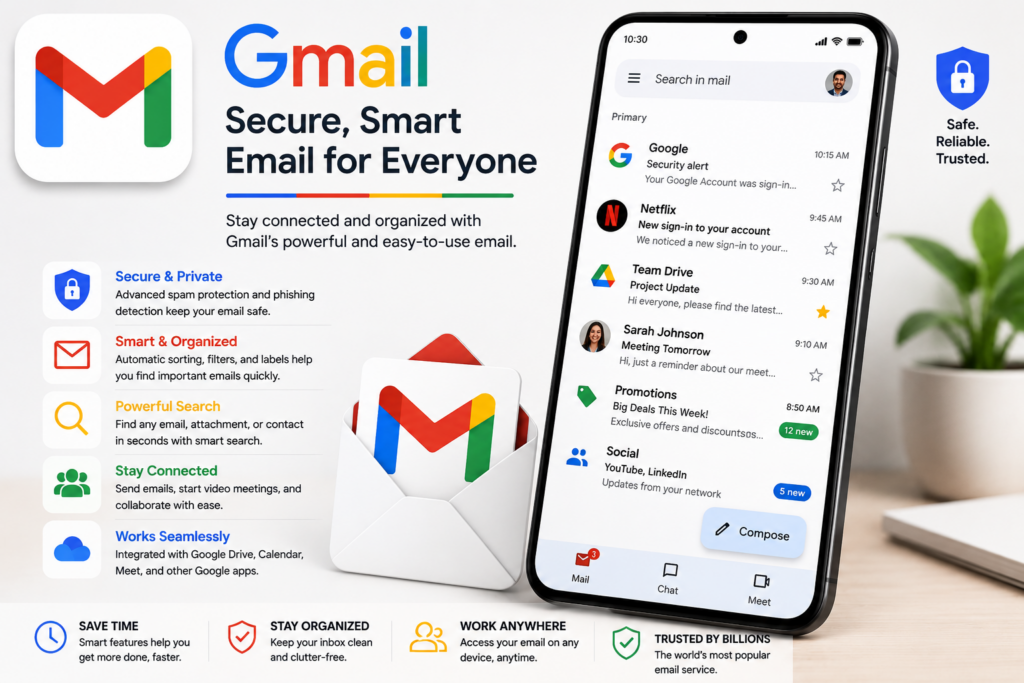
Gmail can be used for:
- Work communication
- University communication
- Online accounts
- Receipts
- Notifications
- Job applications
- Documents
- Password recovery
- Business communication
For students, Gmail can be particularly useful for receiving assignments, university announcements, documents, and communication from teachers.
For professionals, it can become the central place for work-related communication.
A useful habit is to keep your inbox organized with labels, filters, and folders so important messages are easier to find.
4. YouTube – Videos, Learning and Entertainment
YouTube is not only an entertainment platform. It has become an important source of information, education, tutorials, news, music, reviews, and practical guides.
Current global search data shows YouTube remains one of the world’s most searched online services.
You can use YouTube to:
- Learn new skills
- Watch tutorials
- Follow educational channels
- Listen to music
- Watch documentaries
- Follow news channels
- Learn software
- Exercise at home
- Watch entertainment

For example, someone who wants to learn video editing can find tutorials instead of paying immediately for a course.
However, viewers should evaluate the quality of educational information, particularly when watching videos about health, finance, law, or other important subjects.
5. Google Chrome – Everyday Web Browsing
A browser is one of the most fundamental applications on a smartphone or computer.
Google Chrome allows users to search the web, open websites, access online services, save bookmarks, manage tabs, and sign into web applications.
It can be useful for almost every category of online activity.
You might use a browser to:
- Search for information
- Read news
- Access online banking
- Check websites
- Apply for jobs
- Complete forms
- Shop online
- Access educational platforms
- Manage online accounts
Although Chrome is one popular option, users can choose whichever browser best fits their privacy, performance, and feature preferences.
6. Google Drive – Store and Access Files
Documents, photos, presentations, PDFs, spreadsheets, and other files are increasingly stored digitally.
Google Drive provides cloud storage that can make files accessible from different devices.
This can be particularly useful for students and professionals.
For example, a student can store lecture notes in the cloud and access them from a phone, tablet, or computer.
A professional can keep important work documents organized and share files with colleagues.
Common uses of Google Drive
- Store documents
- Back up important files
- Share files
- Organize folders
- Access files from different devices
- Collaborate on documents
- Keep educational material organized
Cloud storage can also reduce the risk of losing a document because of a damaged or lost device, although users should still maintain appropriate backups for particularly important information.This is one of the best daily use apps.
7. Google Calendar – Organize Your Day
One of the simplest ways to improve daily organization is to keep appointments and important tasks in a calendar.
Google Calendar can be used for:
- Meetings
- Classes
- Exams
- Appointments
- Birthdays
- Deadlines
- Events
- Reminders
- Personal plans

Instead of trying to remember everything, you can put important events into a calendar and receive reminders.
For students, this can help organize study sessions and assignment deadlines.
For professionals, it can help manage meetings and appointments.
Calendar and productivity tools also remain prominent in workplace app usage.
8. Google Translate – Quick Language Help
Language barriers can appear in many everyday situations.
Google Translate can help users understand words, phrases, sentences, and other language content.
It can be useful when:
- Travelling
- Reading foreign websites
- Understanding messages
- Learning vocabulary
- Communicating with someone who speaks another language
- Translating short phrases
Translation is also a major search category. Recent global search data shows enormous demand for searches related to “translate” and Google Translate.
However, automatic translation should not automatically be treated as perfect. Important legal, medical, academic, or professional translations may require a qualified human translator.This is one of the best daily use apps.
9. Instagram – Social Media and Communication
Instagram has become a major platform for photos, short videos, creators, businesses, and social communication.
It can be used for:
- Following friends
- Watching Reels
- Discovering products
- Following creators
- Promoting a business
- Sharing photos
- Sending direct messages
- Finding trends
Global search data continues to show Instagram among the most searched online platforms.
For businesses, Instagram can also function as a marketing channel.
However, users should manage notification settings and screen time because social media can easily become distracting.
10. Facebook – Social Networking and Communities

Facebook continues to be useful for social networking, groups, local communities, marketplace activity, and business pages.
People use Facebook to:
- Connect with friends
- Join groups
- Find local communities
- Buy and sell products
- Follow businesses
- Read posts
- Watch videos
- Communicate through Messenger
Facebook remains one of the world’s most searched online platforms according to current 2026 search data.
For local communities, Facebook groups can sometimes be particularly useful for finding recommendations, buying and selling items, and sharing information.
11. Daraz – Online Shopping
Online shopping has become part of everyday life for many consumers.
Daraz is particularly relevant for users in Pakistan who want to shop online.
Depending on availability and seller listings, users can search for electronics, clothing, household products, accessories, beauty products, and many other categories.

Before buying something online
Always check:
- Seller ratings
- Product reviews
- Product specifications
- Return policy
- Delivery information
- Warranty information
- Final price
Do not choose a product only because its advertised price is low.
This is one of the best daily use apps.
12. Easypaisa – Digital Payments in Pakistan
Digital payment applications have become increasingly important in Pakistan.
Easypaisa can be used for various financial activities, including digital payments and money transfers, depending on the services available to the user.
Pakistan’s current iPhone app rankings place Easypaisa among the leading free apps in the country.
Digital payment applications can make routine transactions more convenient.
However, financial apps require extra caution.
Never share your PIN, password, verification code, or other sensitive security information with another person.
13. JazzCash – Payments and Mobile Services
JazzCash is another widely used financial application in Pakistan.
It can be useful for everyday transactions and mobile financial services.
Depending on the current services available, users may use mobile wallets for activities such as:

- Sending money
- Receiving money
- Paying bills
- Mobile recharge
- Online payments
- Other supported financial services
Current Pakistan-focused app rankings also place JazzCash among popular applications.
When using any financial application, security should be more important than convenience.
14. inDrive – Everyday Transportation
Transportation is another area where mobile applications have changed everyday routines.
inDrive allows users in supported locations to request rides and use other transportation or delivery services depending on availability.
Ride-hailing apps can be useful when:
- You do not have your own vehicle
- You need a ride to work
- You are travelling to an unfamiliar location
- You need transportation to an airport
- You need a delivery service
Current Pakistan app rankings show inDrive among the prominent free applications available in the country.
Before accepting a ride, check the driver’s details and follow the platform’s safety recommendations.
15. Foodpanda – Food and Grocery Delivery

Food delivery applications can save time when cooking is not convenient.
Foodpanda is a popular option in Pakistan for food and grocery delivery, with its app listed among current Pakistan app rankings.
Users can typically browse restaurants, compare menus, place orders, and track deliveries.
When ordering food online, compare the total cost rather than looking only at the menu price. Delivery charges, service fees, and other costs can affect the final amount.This is one of the best daily use apps.
16. Google Photos – Organize Your Memories
Smartphones can quickly accumulate thousands of photos and videos.
Google Photos can help users organize and access their photo collections.
It can be useful for:
- Finding old photographs
- Organizing albums
- Backing up photos
- Sharing images
- Searching photo collections
- Managing memories
Always review backup and storage settings so you understand where your files are stored and how much storage you are using.
17. Spotify – Music and Podcasts

Music is another common part of daily smartphone use.
Spotify provides access to music, podcasts, playlists, and other audio content depending on region and subscription.
It can be useful while:
- Travelling
- Exercising
- Working
- Studying
- Relaxing
Some users create separate playlists for different activities, such as studying, exercising, travelling, or relaxing.This is one of the best daily use apps.
18. Microsoft 365 Apps – Everyday Work
For students, employees, and businesses, office applications remain important.
Microsoft Word, Excel, PowerPoint, Outlook, and related Microsoft services can support everyday tasks such as writing documents, managing spreadsheets, preparing presentations, and communicating through email.
These tools are particularly useful when work needs to be shared between computers and mobile devices.
How to Choose the Right Daily Use Apps
You do not need every application available in an app store.
Installing too many applications can create clutter, use storage, increase notifications, and make your phone harder to manage.
A better approach is to choose applications according to your actual routine.
For communication
Consider a reliable messaging application such as WhatsApp.
For navigation
A maps application such as Google Maps can be useful.
For work and study
Email, cloud storage, calendars, and office applications can form a useful productivity system.
For payments
Use trusted financial applications and protect your account information.
For transportation
A ride-hailing application can be useful if the service operates in your area.
For entertainment
YouTube, Instagram, TikTok, Spotify, and similar platforms can provide entertainment, but screen-time limits can help prevent excessive use.
How Many Apps Should You Have on Your Phone?
There is no perfect number.
The important thing is whether an application provides real value.
A simple smartphone setup might include:
- Messaging
- Maps
- Browser
- Cloud storage
- Calendar
- Payment app
- Shopping app
- Transportation app
- Entertainment apps
You can then add specialized applications according to your personal needs.
Safety Tips for Daily Use Apps
Because these applications can contain personal information, security is extremely important.
Use strong passwords
Avoid using the same password everywhere.
Enable two-factor authentication
Where available, two-factor authentication can add an additional layer of account protection.
Keep apps updated
Updates can include security improvements and bug fixes.
Download from official stores
Avoid installing applications from unknown websites unless you completely understand the risks and source.
Check permissions
An application should not automatically receive access to everything on your phone.
Review permissions and disable unnecessary access where appropriate.
Be careful with links
Scammers can send fake messages pretending to come from banks, delivery companies, social networks, or other services.
Never enter sensitive information into a suspicious website simply because a message tells you to.
Best Daily Use Apps by Category
| Category | Useful App Examples | Main Purpose |
|---|---|---|
| Messaging | Communication | |
| Navigation | Google Maps | Directions and locations |
| Gmail | ||
| Video | YouTube | Learning and entertainment |
| Browser | Chrome | Web browsing |
| Translation | Google Translate | Language assistance |
| Cloud storage | Google Drive | Files and documents |
| Calendar | Google Calendar | Planning |
| Shopping | Daraz | Online shopping |
| Payments | Easypaisa, JazzCash | Digital payments |
| Transport | inDrive | Rides |
| Food | Foodpanda | Food and groceries |
| Social media | Instagram, Facebook | Social networking |
| Photos | Google Photos | Photo organization |
| Music | Spotify | Music and podcasts |
Frequently Asked Questions
What are the best daily use apps?
The best apps depend on your routine. WhatsApp, Google Maps, Gmail, YouTube, Chrome, Google Drive, Google Calendar, and Google Translate are useful for many people. In Pakistan, apps such as Easypaisa, JazzCash, Daraz, inDrive, and Foodpanda can also be useful for everyday services.
Which app is most useful for communication?
WhatsApp is one of the most widely used communication apps and supports messaging, voice calls, video calls, groups, and file sharing.
Which app is best for navigation?
Google Maps is a popular choice for navigation, locations, directions, and discovering nearby places.
Which apps are useful for students?
Students can benefit from Gmail, Google Drive, Google Calendar, YouTube, Google Translate, Microsoft 365 applications, and other educational tools.
Which apps are useful in Pakistan?
Common practical choices include WhatsApp, Google Maps, Gmail, YouTube, Easypaisa, JazzCash, Daraz, inDrive, Foodpanda, and PAK IDENTITY. Current Pakistan app-store rankings show several of these among popular applications.
Are daily use apps safe?
Most major applications have security systems, but users still need to protect their accounts. Use strong passwords, two-factor authentication, official app stores, software updates, and caution with suspicious links.
Do I need to install all these apps?
No. Install only applications that you actually need. A smaller collection of useful apps is usually easier to manage than a phone filled with applications you rarely use.
Final Thoughts
The best daily use apps are not necessarily the newest or most advanced applications. They are the ones that solve common problems quickly.
A messaging application can keep you connected with family and colleagues. A maps application can help you reach a destination. Gmail can manage important communication. Google Drive can keep documents accessible. A digital wallet can simplify payments, while shopping, transportation, food delivery, music, and video applications can make everyday activities more convenient.
The right combination depends on your lifestyle.
Students may need a different collection from business owners. Someone who travels frequently may rely heavily on maps and transportation apps, while someone working from home may use email, cloud storage, calendars, and office applications more often.
Instead of downloading every popular application, start with the services you genuinely need.
Choose reputable apps, keep them updated, protect your accounts, and regularly remove applications that you no longer use.
A smartphone becomes much more useful when its applications are selected around your real routine rather than simply around popularity.